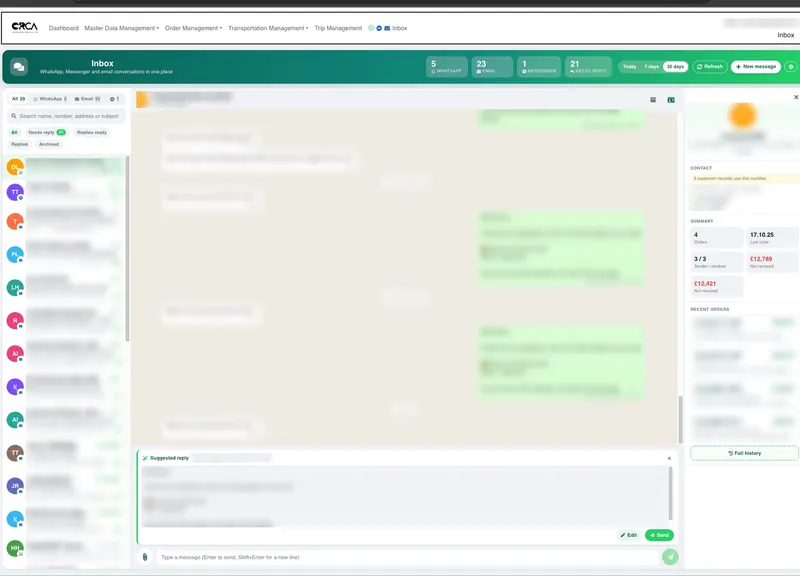
Orca's inbox now handles Facebook Messenger alongside WhatsApp and email. When a customer messages your Facebook Page, the conversation appears in the same list as everything else, and your team replies from the same screen. No more checking the Page on someone's phone, and no message missed because it came in on the channel nobody was watching.
Why one more channel matters
Customers message you wherever they happen to be. One finds your Facebook Page and taps Message. Another has your WhatsApp number from a delivery note. A third replies to an invoice email. To them it is one conversation with one company. To your team, it used to be three apps, three logins and three places for a question to go unanswered.
Facebook Page messages are the easiest to lose. They often land on the phone of whoever set the Page up, and if that person is busy or on holiday, nobody else sees them.
How Messenger works in the Orca inbox
Messenger conversations sit in the same list as WhatsApp and email, newest first, each with a small Messenger badge so you can see at a glance where it came from. A counter at the top shows how many Messenger conversations there are, next to the WhatsApp and email counts, and a tab filters the list to Messenger alone when you want it.
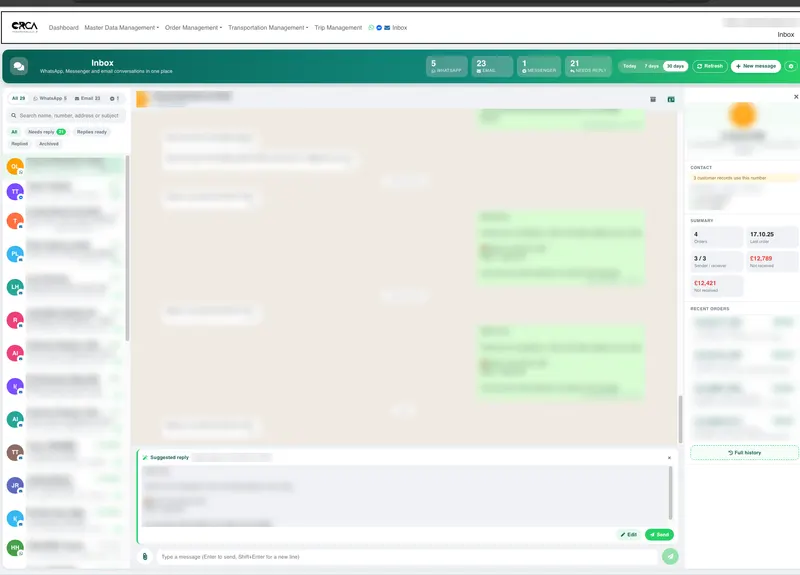
Everything else works the same way across channels:
- the Needs reply, Replied and Archived filters
- the same reply box, with attachments on Messenger replies
- new messages arrive on their own, without refreshing the page
- the same date range: today, the last 7 days or the last 30 days
Connecting your Facebook Page
Connecting a Page takes a minute. In the inbox, open Settings, then Channels, and connect Facebook. You sign in through Facebook's own login for businesses and choose which Pages to connect. You never give Orca your Facebook password.
The access Facebook grants is stored on Orca's server and is never sent back to the browser, so nobody using the inbox can see or copy it. You can disconnect a Page from the same screen at any time.
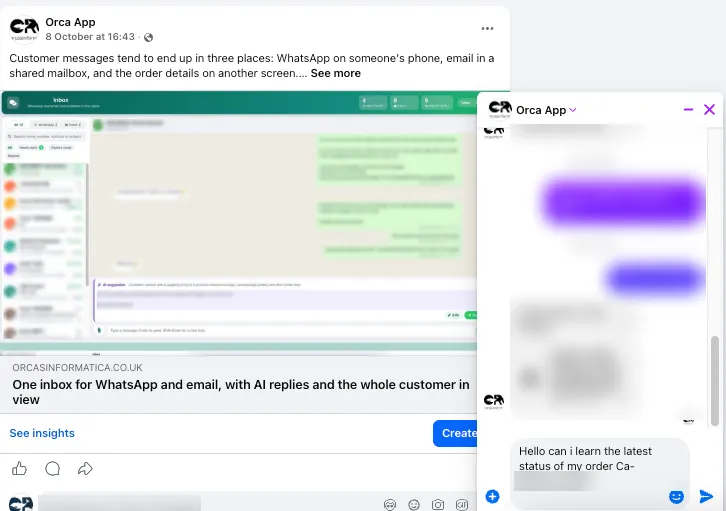
To get more customers messaging you, link to your Page's Messenger from your website, emails and invoices. Meta's m.me links open a conversation with your Page in one tap, and every conversation they start arrives in the Orca inbox.
The 24-hour rule, handled for you
Meta's messaging policy gives a business up to 24 hours to reply after a person's last message, its standard messaging window, and its guide to sending messages explains the few exceptions. Orca checks the window before sending. If the customer's last message is more than 24 hours old, the inbox tells you, rather than sending a reply that Messenger would not deliver.
The practical lesson is the same one the shared inbox teaches: when every message is in one place and the Needs reply filter shows what is waiting, replying within the day is easy.
Your WhatsApp and email tools stay as they are
WhatsApp and email conversations keep everything described in our post on one inbox for WhatsApp and email: the customer's orders and history beside the chat, ready-made replies for questions such as "where is my order", and AI-drafted replies that your team checks before sending. Messenger adds a channel to the same screen, so the team works in one place whichever way the customer chose to get in touch.
One screen for the whole team
The real gain is not one more channel. It is one place where every customer conversation lives, visible to everyone who needs it, answered in the same tone, with nothing stuck on a personal phone. When someone is off, their conversations are still there for whoever picks them up.
Frequently asked questions
Can we reply to Facebook Messenger and WhatsApp from the same place?
Yes. Messenger, WhatsApp and email conversations are all in the Orca inbox, in one list, and you reply to each from the same screen.
Do we have to give Orca our Facebook password?
No. You connect your Page through Facebook's own login for businesses, and choose which Pages Orca can use. You can disconnect a Page at any time.
Can we reply to a Messenger message after 24 hours?
Meta's standard messaging window is 24 hours from the customer's last message. Orca warns you if that has passed, instead of sending a reply that would not be delivered.
Can we send files on Messenger?
Yes. Replies to Messenger conversations can include attachments, and text replies can be up to 2,000 characters.
The inbox is part of Orca, alongside order management, route planning and live tracking for UK operators. See Orca for transport and logistics, or get in touch to connect your Facebook Page to the Orca inbox.